
Odoo production planning, scheduling and simulation for manufacturers
Odoo production planning turns customer demand into a workable plan: what to make, how much, when, and whether you have the materials and capacity to deliver on time. Here is what Odoo Manufacturing does as standard, where it stops, and how we go further.
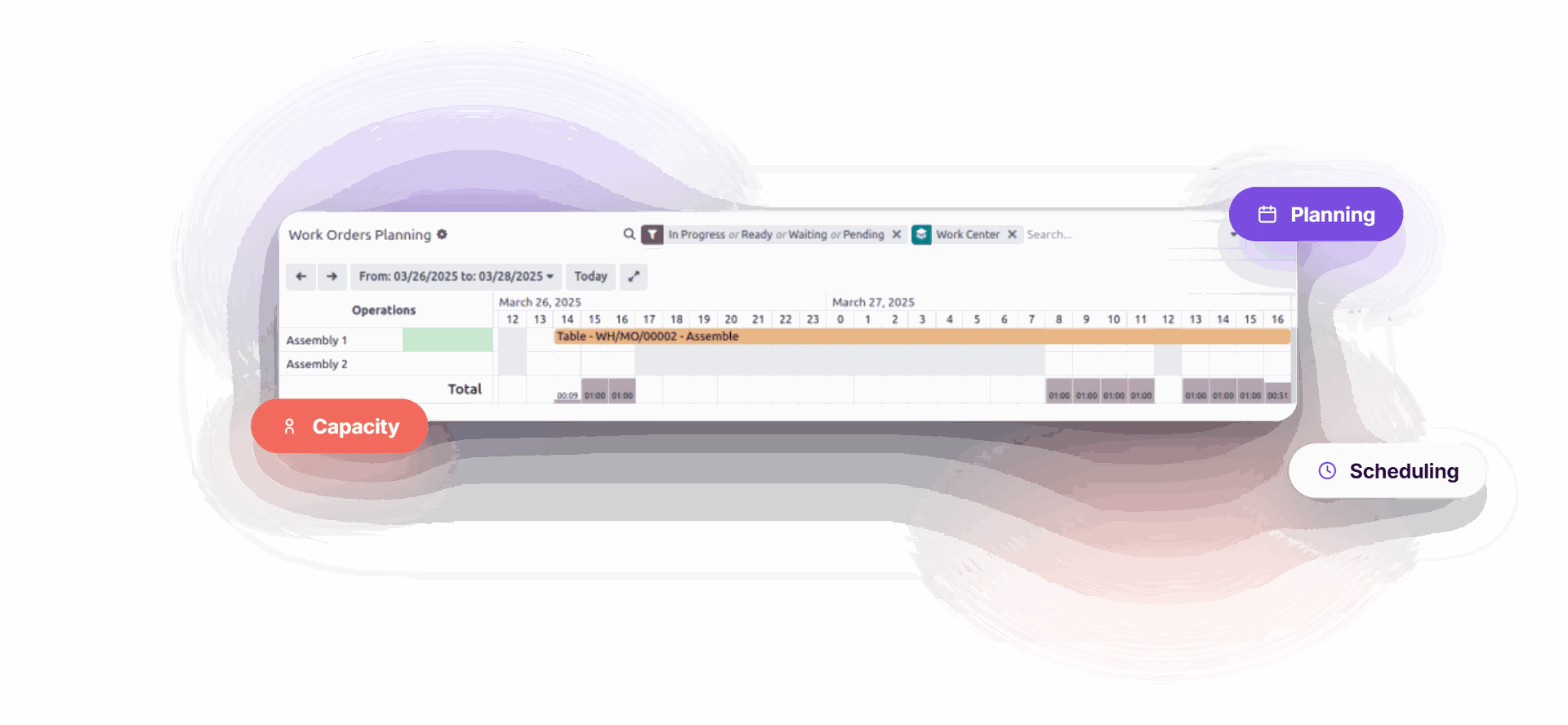
What is Odoo production planning?
Odoo Manufacturing plans, schedules and processes manufacturing orders. Effective production planning links sales demand to execution, procurement and inventory across three time horizons:
The Odoo manufacturing module shares one system with Sales, Purchase, Inventory and Quality. That integration is inherited, not built: every step of the manufacturing process sits in one company database. For manufacturing companies, integration across business functions drives operational efficiency more than any single feature does, and it removes the integration work a separate scheduling tool would need.
Production planning and scheduling in Odoo
Planning answers what and how much. Scheduling answers when and where.
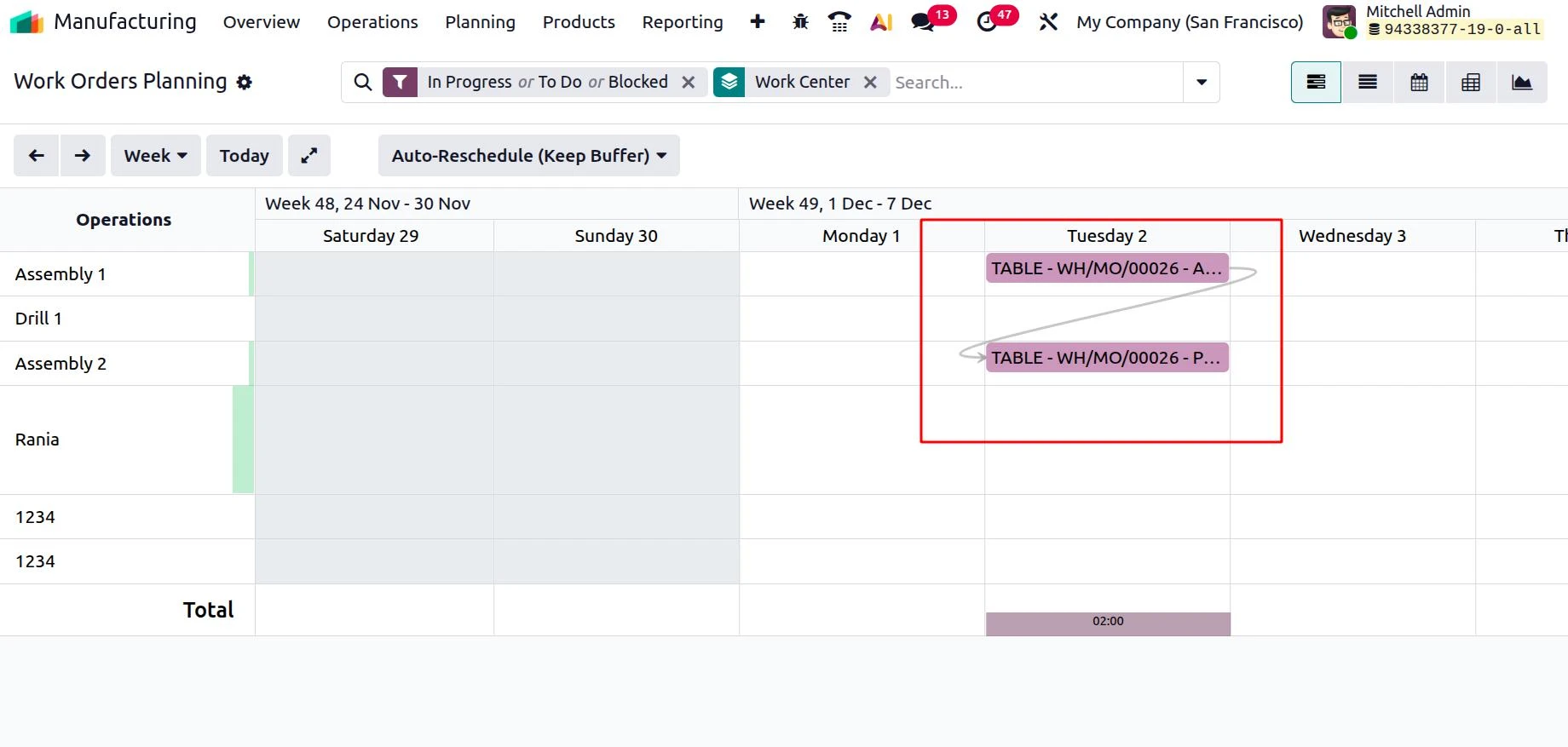
The master production schedule handles the longer view. The production process is then scheduled day to day on two Gantt chart views: one by manufacturing order, one by work center. The second is capacity planning in practice — it shows overloaded resources before they become bottlenecks.
Gantt chart scheduling
Scheduling starts with the Plan button, which sets a start date for every work order. Dependencies appear as arrows on the Gantt chart, and Replan fixes any sequence a change breaks. Teams planning production work this view on a daily basis, creating manufacturing orders and moving them as priorities shift.How Odoo sets the date
The scheduled date is the delivery date minus the manufacturing lead time, built from customer, purchase and manufacturing lead times plus a buffer.
Odoo states these run on calendar days and “do not consider weekends, holidays, or work center capacity” — so promised dates can look optimistic.
The master production schedule (MPS)
The MPS plans production and purchase orders over the coming months, against confirmed sales orders and a forecast of customer demand you adjust by hand. Odoo positions it for materials with long lead times or seasonal demand.
| Row | What it holds |
|---|---|
| − Forecasted Demand | Your estimate, editable by hand |
| − Indirect Demand Forecast | Component demand from existing orders |
| + Replenishment | Suggested quantity, from safety stock and minimum |
| = Forecasted Stock | Projected closing stock for the period |
Two things catch people out: the MPS only suggests and creates no orders itself, and Odoo is explicit that reordering rules should not be applied to MPS-managed products.
Work centers, capacity and the bill of materials
Key features that drive the schedule:
Alternative work centers give you a fallback, but Odoo reroutes only when the first is at capacity.
A routing is the sequence of manufacturing operations needed to build a specific product, defined on the bill of materials. Each operation names a work center and a default duration.
Accurate durations enhance schedule precision, and they matter most for complex routings.
A bill of materials can also apply per product variant, so one dynamic BOM covers several configurations without creating duplicates.
Odoo MRP, inventory management and make-to-order
There are three ways to manage replenishment:
| Mechanism | Use it when | What it does |
|---|---|---|
| Reordering rules | Steady consumption, short lead times | Orders when stock falls below a minimum |
| Make-to-order | Made or bought per sales order | Drafts an order on each confirmation |
| Master production schedule | Forecast-driven demand | Suggests quantities per period |
Reordering rules bring automation to purchasing, but your company still sets the reorder points manually, product by product.
How material requirements planning works
Odoo MRP turns the bill of materials, inventory levels and open orders into requirements that follow real demand, so material planning stays current. Because MRP and inventory management share one system, confirmed sales orders and purchase orders move forecast inventory, and the MRP forecast flags raw materials shortages early — keeping procurement and the supply chain aligned with the production schedule.
Read more
Make-to-order is switched off by default and needs a Buy or Manufacture route alongside it.
Manufacturing routes — one, two or three-step — are set at warehouse level, and are not Odoo route planning, which concerns deliveries.
Shop floor control and quality control in Odoo Manufacturing
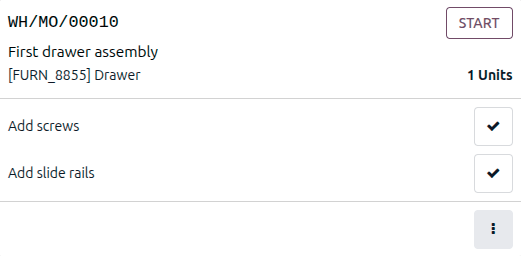
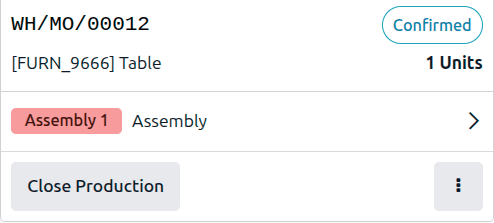
Odoo Manufacturing gives the shop floor a tablet interface.
Real-time data
That real-time feed drives the work center dashboards: performance metrics for equipment and labour, time lost to stoppages, current load. It enhances control across the business — delays reporting marks late production and components arriving too late for the business to react, so you see which sales orders are at risk.
Can Odoo simulate production?
Not in the sense of dedicated simulation software. This is where standard Odoo reaches its limits.
What native Odoo does
- Change forecast demand in the MPS and forecast stock recalculates across every period.
- Drag a work order on the Gantt chart and Odoo flags any dependency you break.
- Odoo calls this “real-time simulated operations.”
Where native Odoo stops
- There is no simulation software inside the product and no way to compare scenarios side by side.
- Complex multi-level scheduling, backward planning and genuine what-if comparison sit outside standard Odoo.
The Doodex Planning Suite for manufacturing companies
Scheduling complex production is one of the challenges we regularly encounter, and one standard features do not fully solve. We built four modules that take Odoo production planning further for our manufacturers, instead of creating and sequencing every order by hand.
They run inside the same system as the rest of Odoo, so there is no extra integration to maintain. These modules are not available on the Odoo App Store by choice. They are reserved for Doodex customers and come as part of the Doodex partnership.
In our experience, configuration matters as much as tooling: capacity, cost, durations and your supply chain must be modelled properly before any system can optimize a schedule you trust.
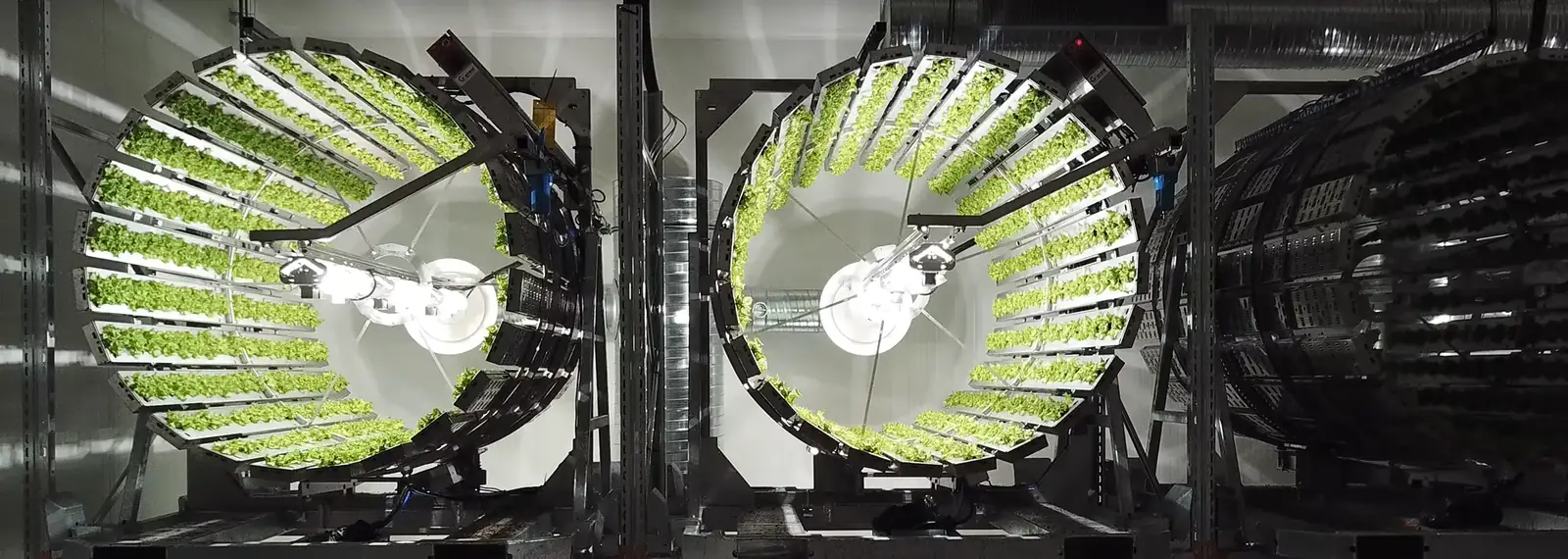
Futura Gaia runs the planning and traceability stack in production.
Read the case study →Frequently asked questions
What is the difference between production planning and production scheduling in Odoo?
Should I use the MPS or reordering rules?
Is Odoo Planning the same as production planning?
Standard Odoo gives most manufacturers an efficient, company-wide way to manage the plan for your business, from the MPS down to the shop floor. Where multi-level scheduling and simulation are the constraint, our four modules add the features MRP alone does not cover.
Book a demo on your own production process
We will walk through the MPS, capacity and scheduling views against your products, then show how the modules optimize the plan.
& processes
& scheduling
Suite (4 modules)
production plan